Upload, review, and share
Photographer Experience
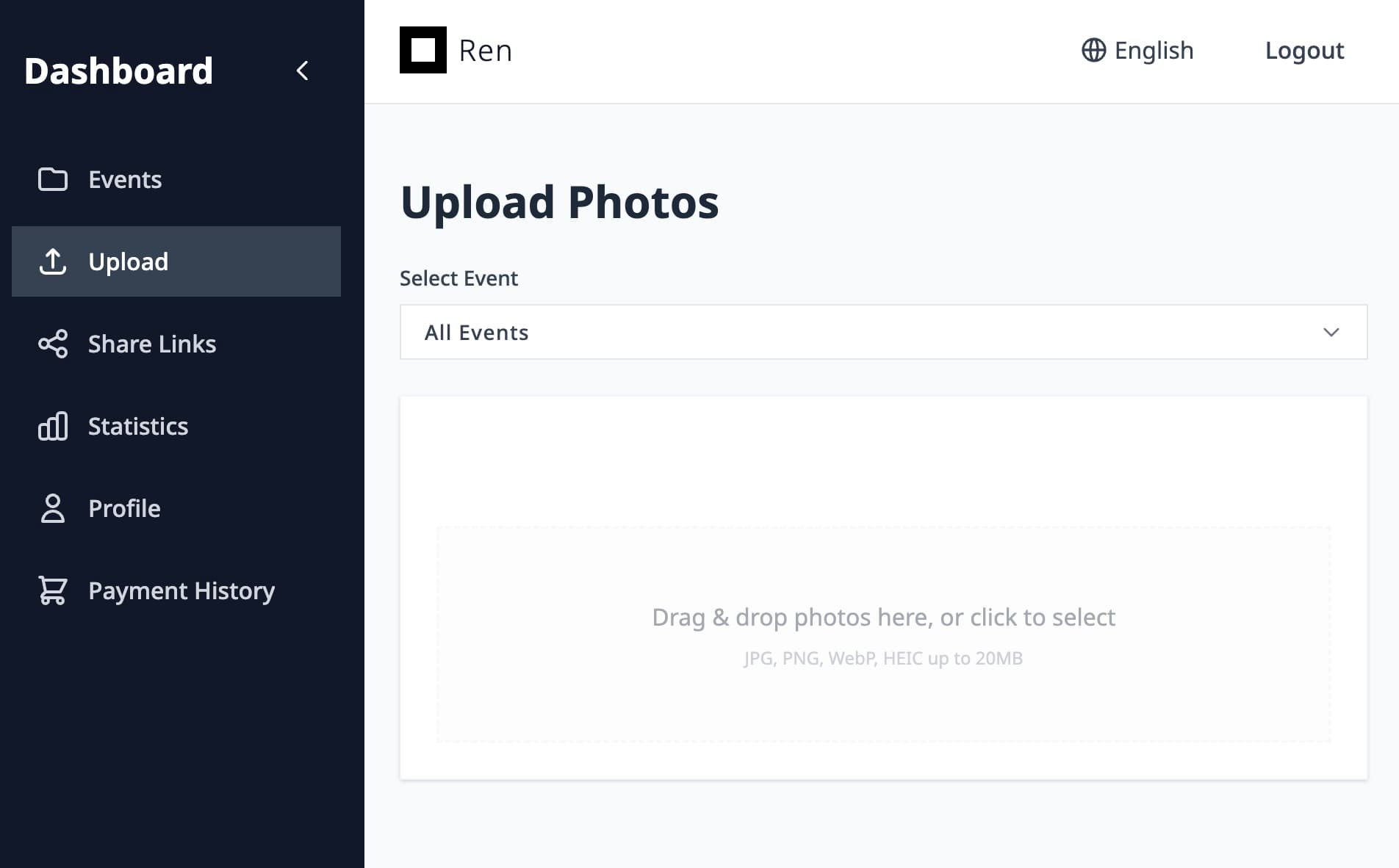
1. Upload photosSend photos through FTP, Lightroom export, or the web upload screen.


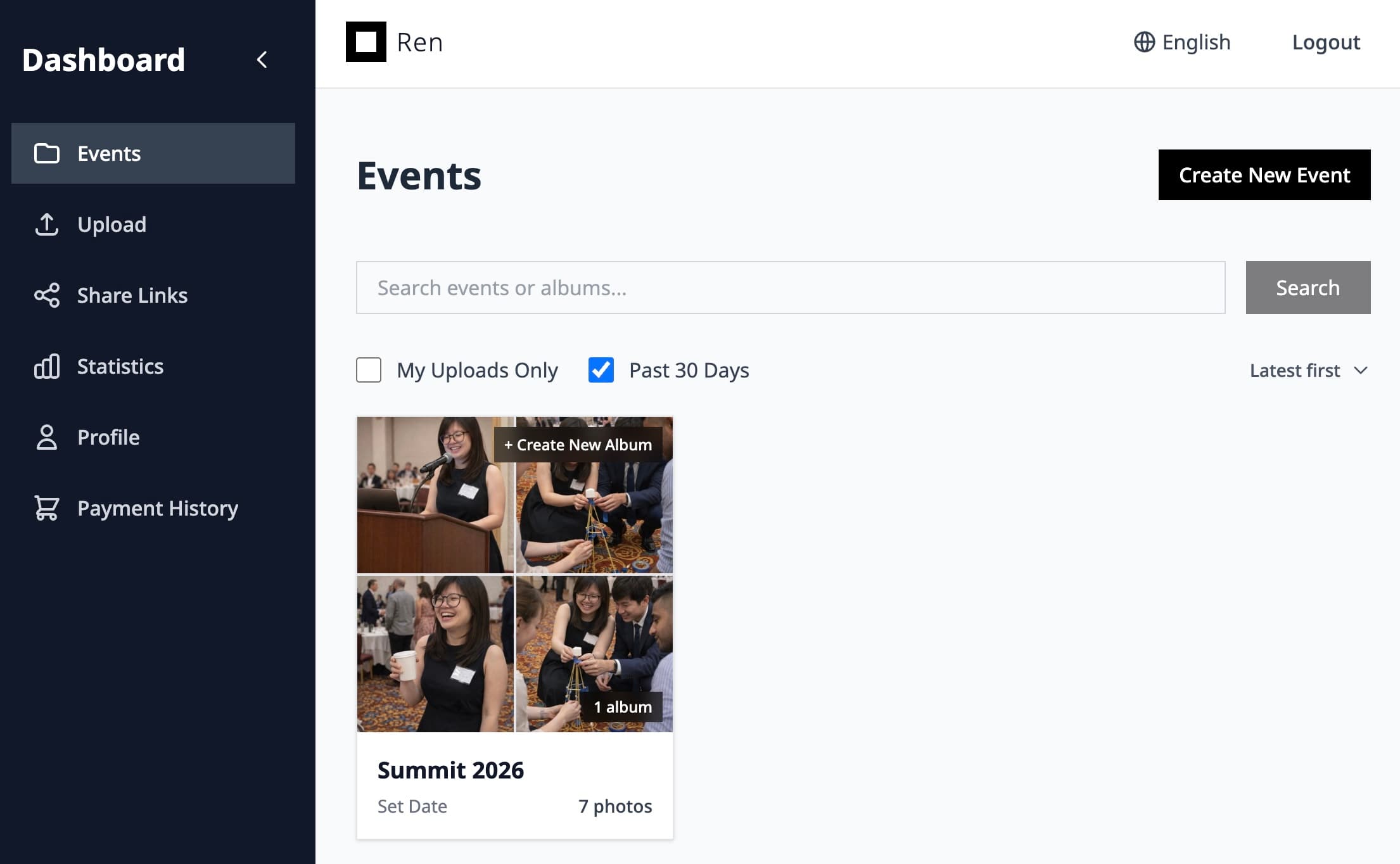
2. View in Ren and shareReview the gallery in Ren and generate a QR code for sharing.
AI face search
Let guests and clients find every photo they appear in—powered by battle-tested face recognition tuned for real-world events.
Ren’s face recognition is designed for crowded weddings and events where lighting, angles, and expressions constantly change.
Our face recognition has been evaluated on industry datasets and tuned for Asian faces as well as diverse events.
Guests choose how they want to find their photos—uploading a selfie, selecting a suggested face, or browsing manually.
You decide when to enable face search, how long events stay live, and how images are removed after expiry.
Upload, review, and share
Scan, Snap, and share
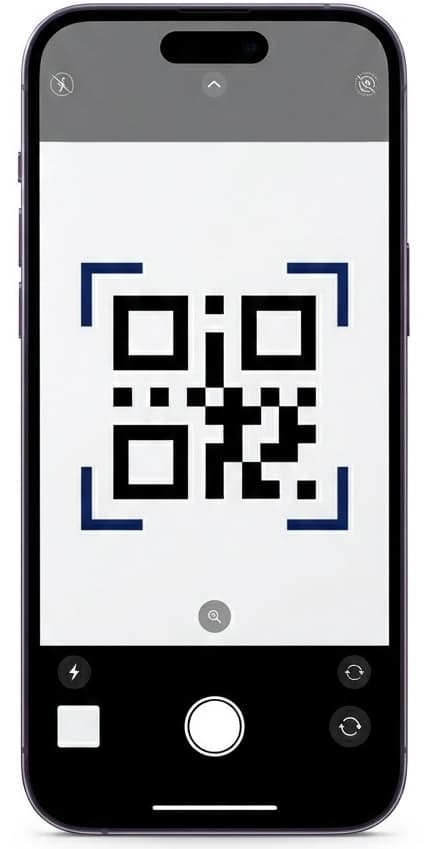
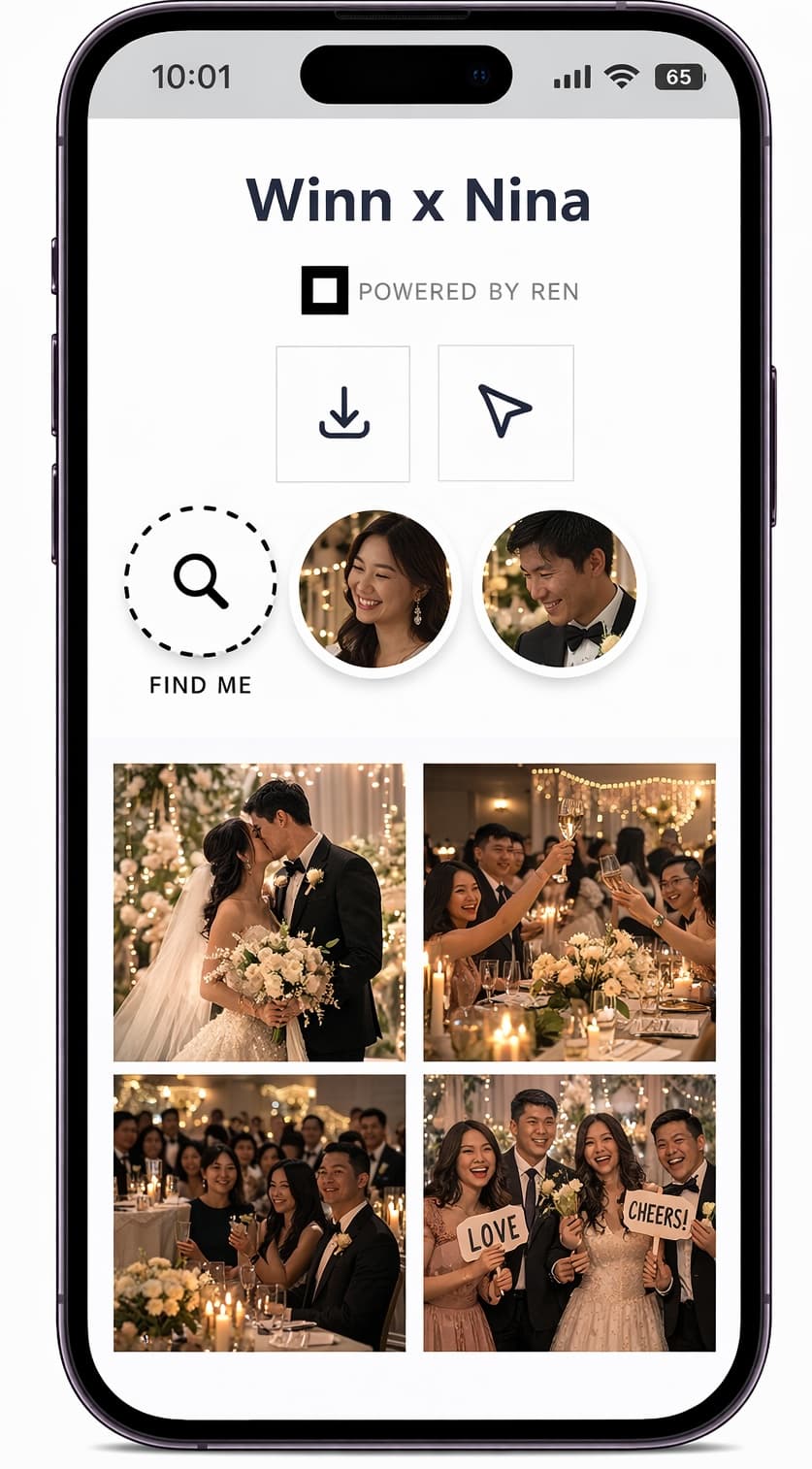
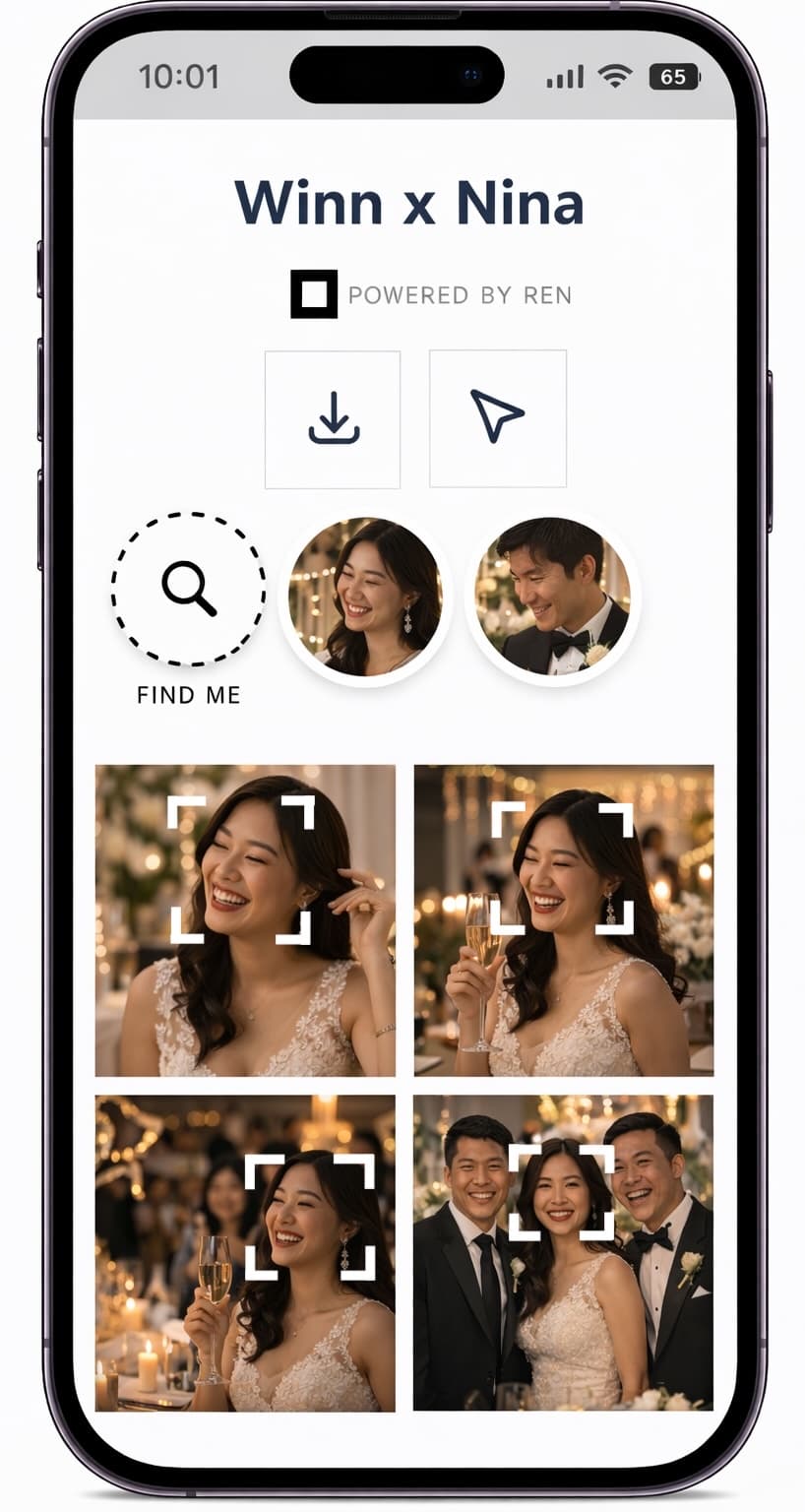
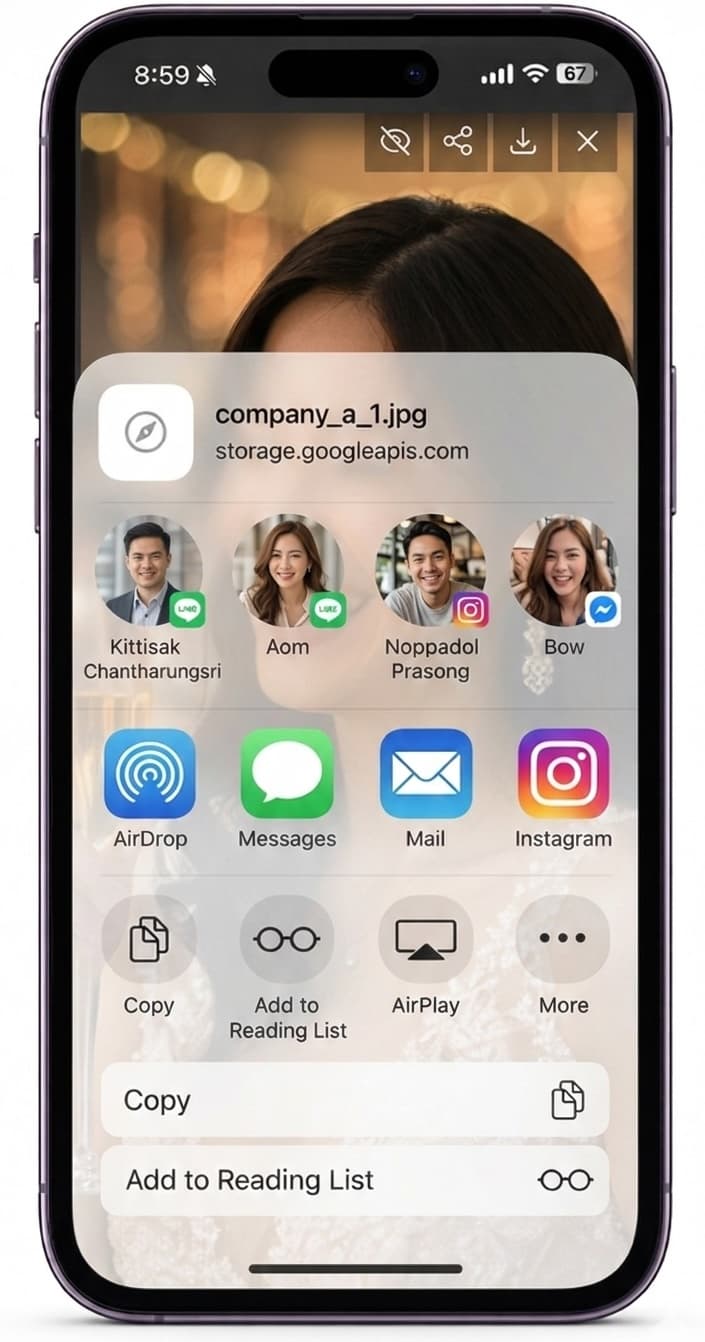
AI face search turns a huge, unstructured gallery into a personal experience for each guest. Instead of scrolling endlessly, they use their face as the search term and instantly see relevant results.
Guests remember how easy it was to get their photos, couples and clients get fewer “Can you send me my photos?” messages, and you stand out with a distinctive, tech-forward service.
Key details about accuracy, privacy, and control when using AI face search.
Ren’s face recognition has been benchmarked against standard datasets and tuned for real event conditions, including Asian faces. As with any AI, it is not perfect, but it is designed to be practical and useful for event delivery.
Event owners can choose how they communicate and configure AI features. Guests can always browse galleries without using face search if they prefer.
Events in Ren have limited availability windows. When an event expires under your plan, associated images are removed according to the rules documented in the subscription and resources pages.
Use Ren to add AI-powered discovery to your existing workflow without changing how you shoot or export.