Upload, review, and share
Photographer Experience
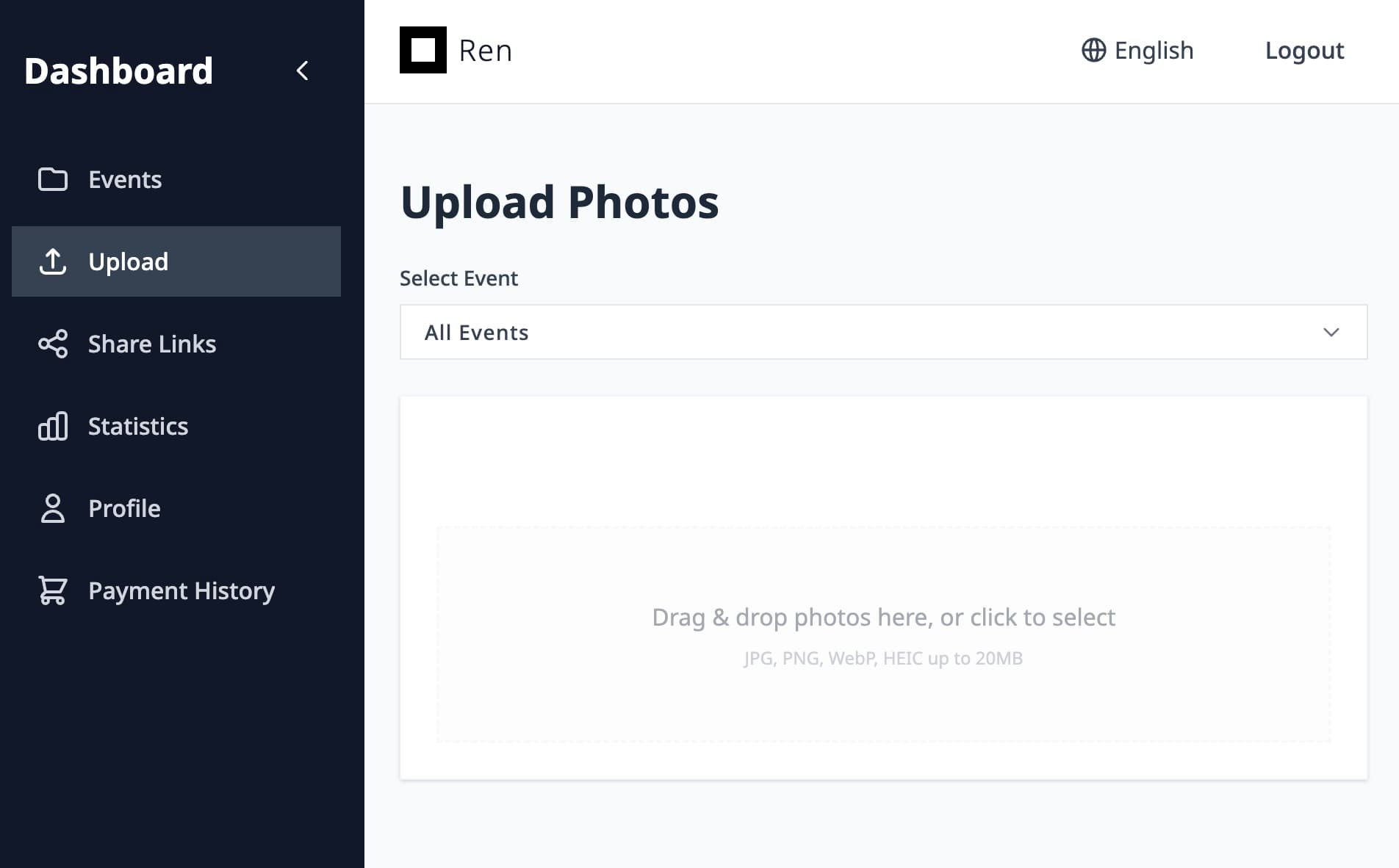
1. Upload photosSend photos through FTP, Lightroom export, or the web upload screen.


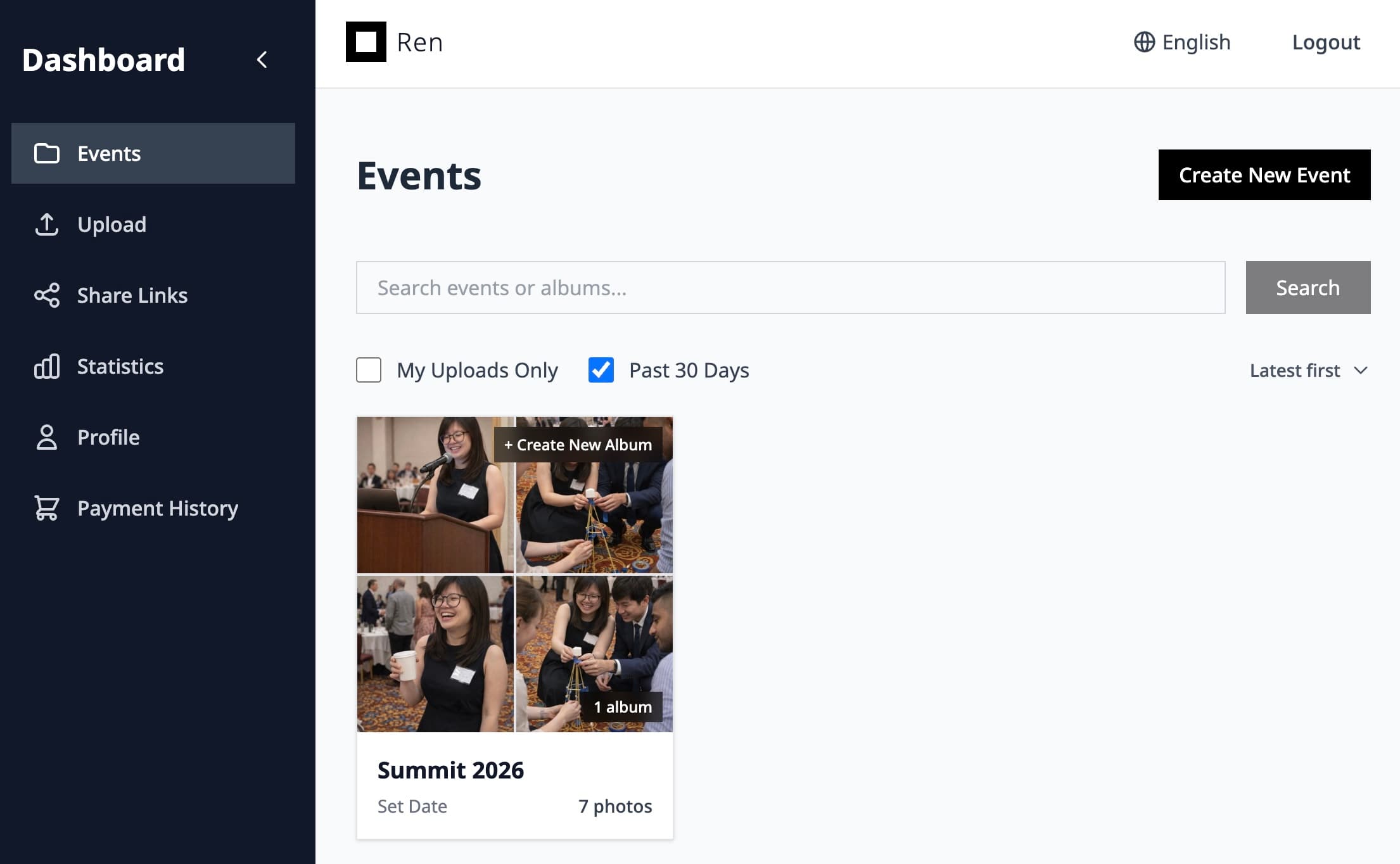
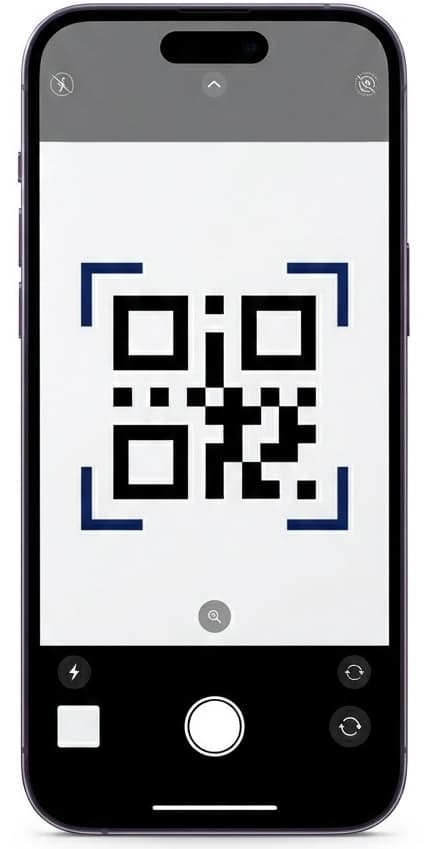
2. View in Ren and shareReview the gallery in Ren and generate a QR code for sharing.
Event photo & video sharing
Deliver highlight videos and full photo coverage together in a single, branded gallery your clients will love.
Ren simplifies how you share mixed photo and video coverage for corporate events, festivals, school functions, and more.
Host photos and videos in the same event so clients and guests don’t have to jump between folders, drives, and players.
Share one event-level gallery link with everyone, or create separate albums and share links for different teams, sponsors, or VIP groups.
See which files are being viewed and downloaded so you can report back to clients or sponsors with real engagement numbers.
Upload, review, and share
Scan, Snap, and share
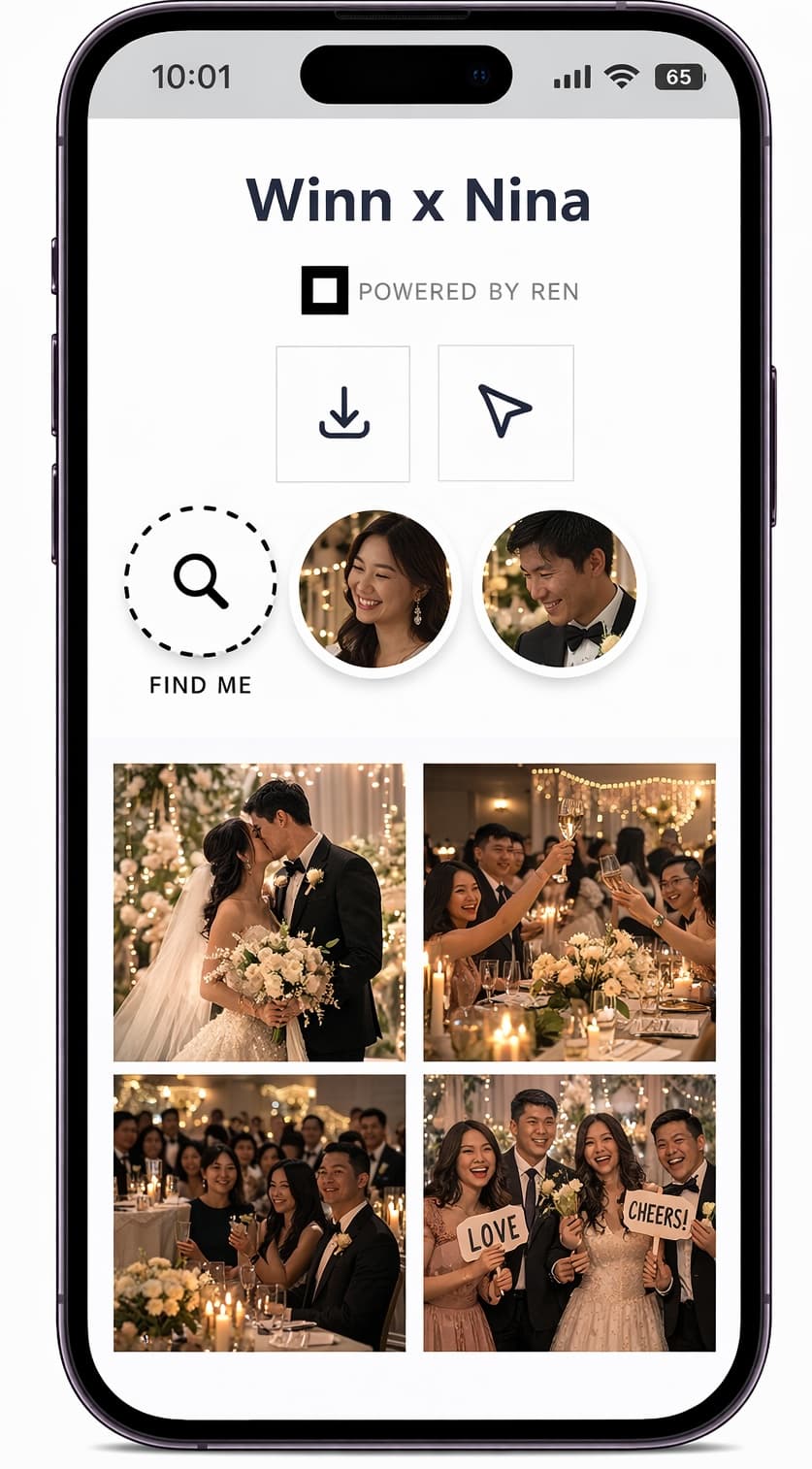
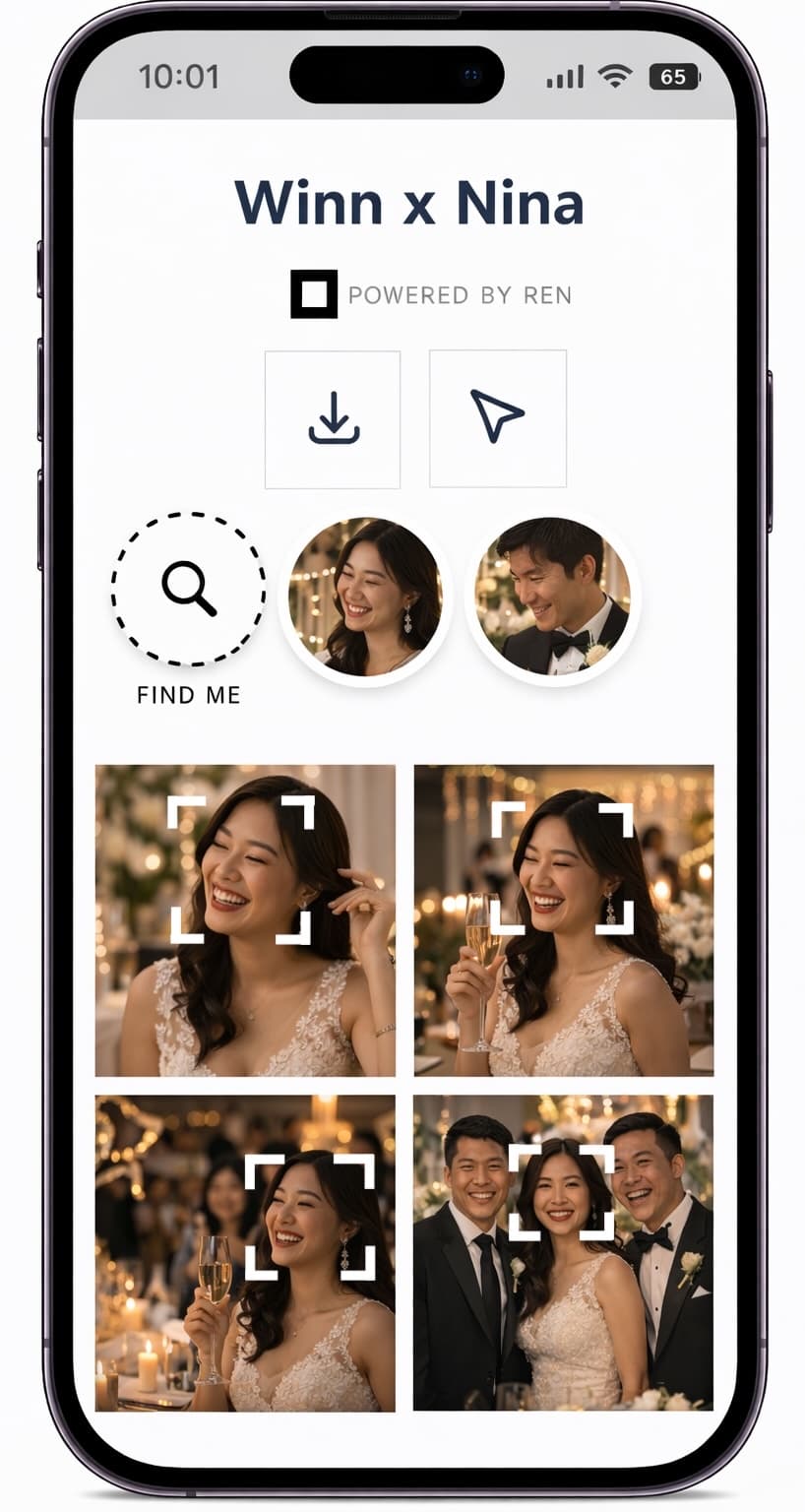
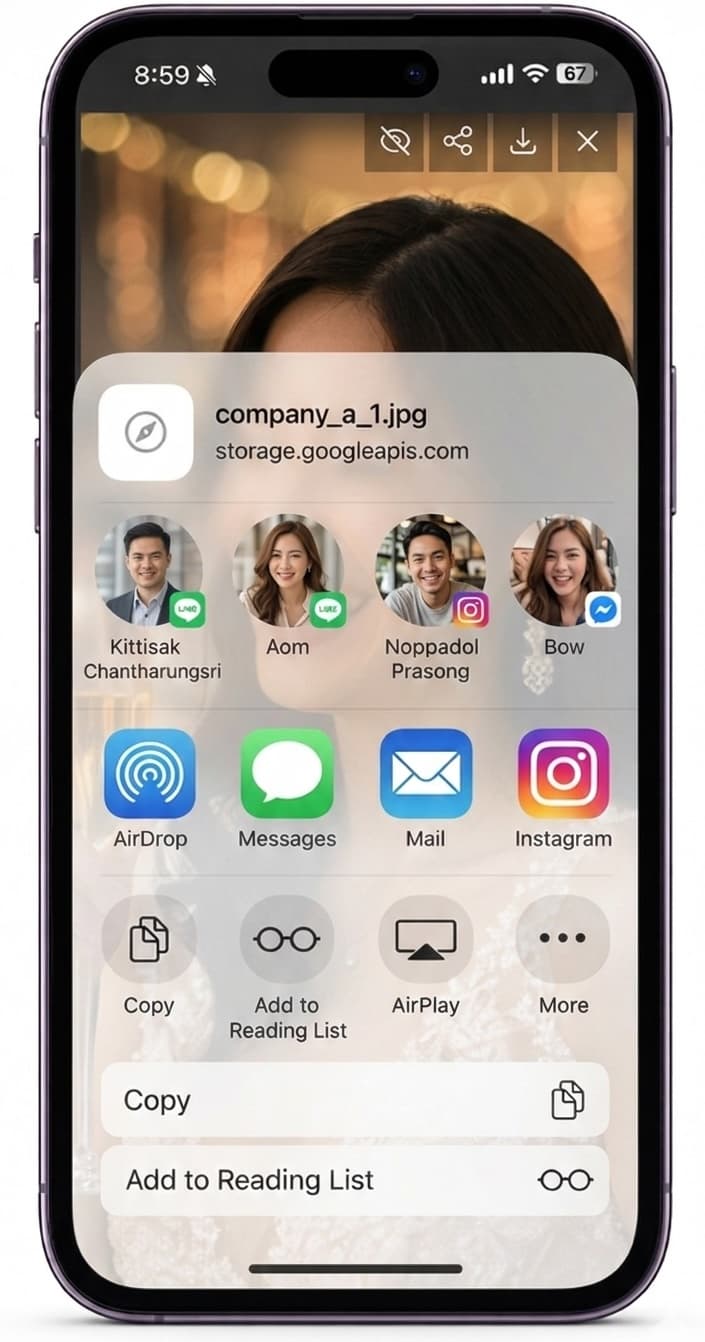
Instead of sending clients a mix of cloud drives and WeTransfer links, Ren centralizes your visual coverage in one place. You decide who can see what, and everyone gets a clean, consistent viewing experience that works on any device.
You reduce admin work after every event, your brand looks more polished, and your clients get a simple URL they can share internally or publicly.
Common questions about sharing photos and videos from events.
Ren supports MP4, MOV (QuickTime), and WebM. Use one of these formats for reliable upload and playback.
Yes. You can control whether visitors are allowed to download originals, smaller sizes, or only view files online.
You can create multiple albums in one event and share them with one multi-album link or separate share links, so each group only sees what is relevant to them.
Use Ren to deliver polished, on-brand galleries that are easy for teams, sponsors, and attendees to use.