Upload, review, and share
Photographer Experience
1. Upload photosSend photos through FTP, Lightroom export, or the web upload screen.


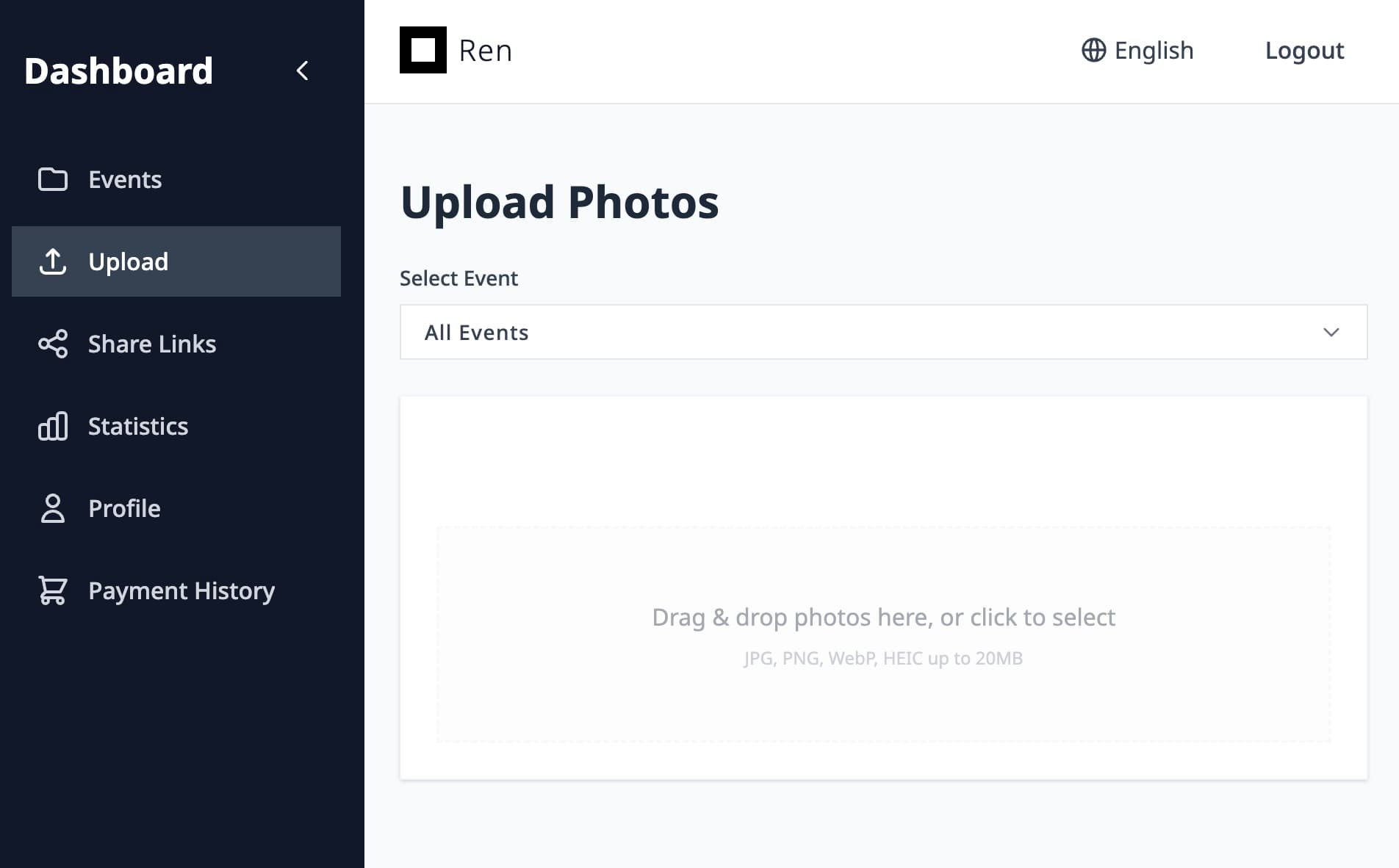
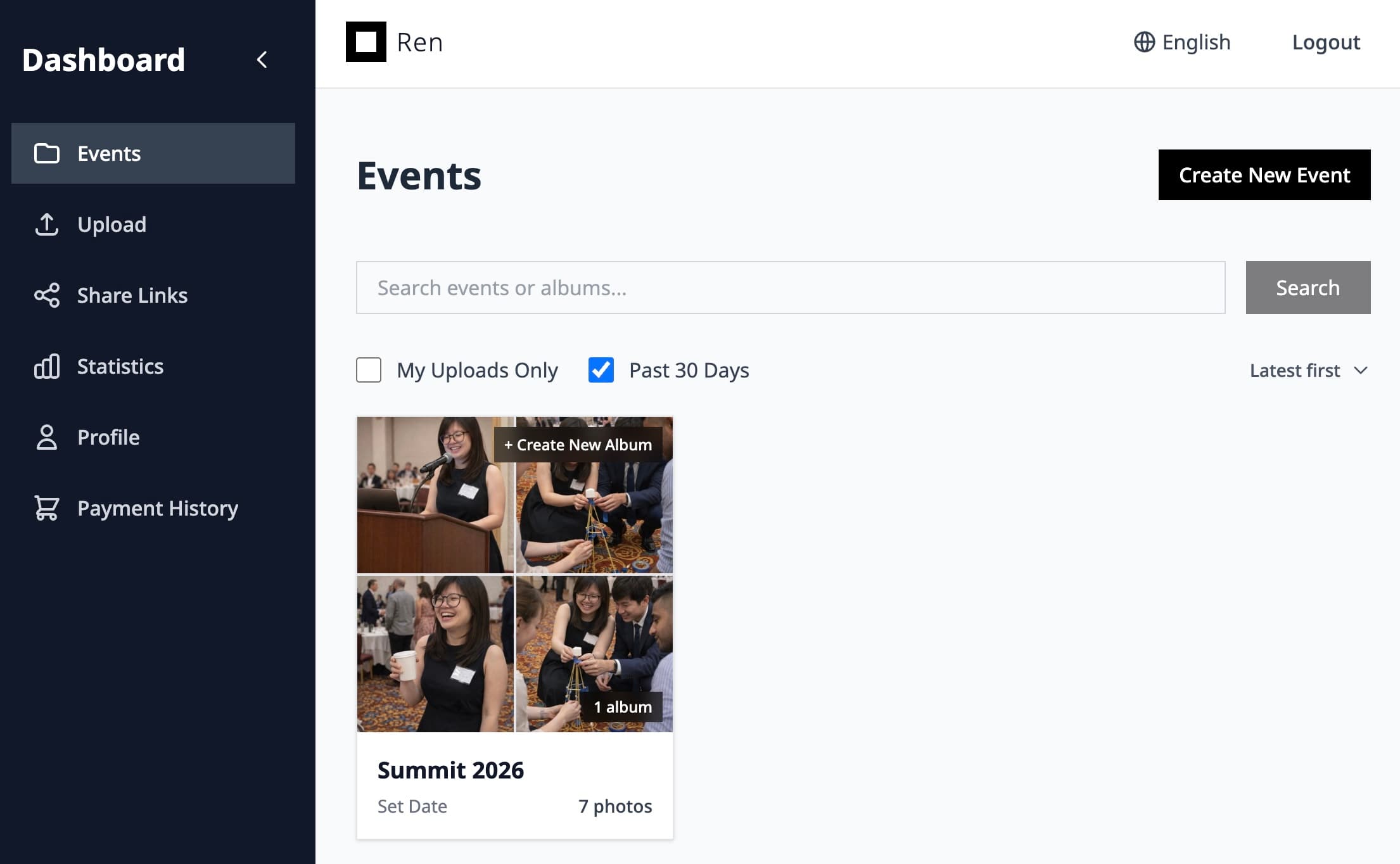
2. View in Ren and shareReview the gallery in Ren and generate a QR code for sharing.
Event video sharing
Deliver trailers, highlight reels, and social cuts in the same gallery as your photos, so clients always know where to look.
Ren keeps videos and photos together so your delivery feels consistent and simple.
Pin important clips near the albums they belong with, so viewers naturally watch and then dive into the photos.
Videos play directly in the browser, optimized for typical event and wedding use cases.
Keep everything under one consistent look and feel, instead of sending your clients to generic file-sharing tools.
Upload, review, and share
Scan, Snap, and share

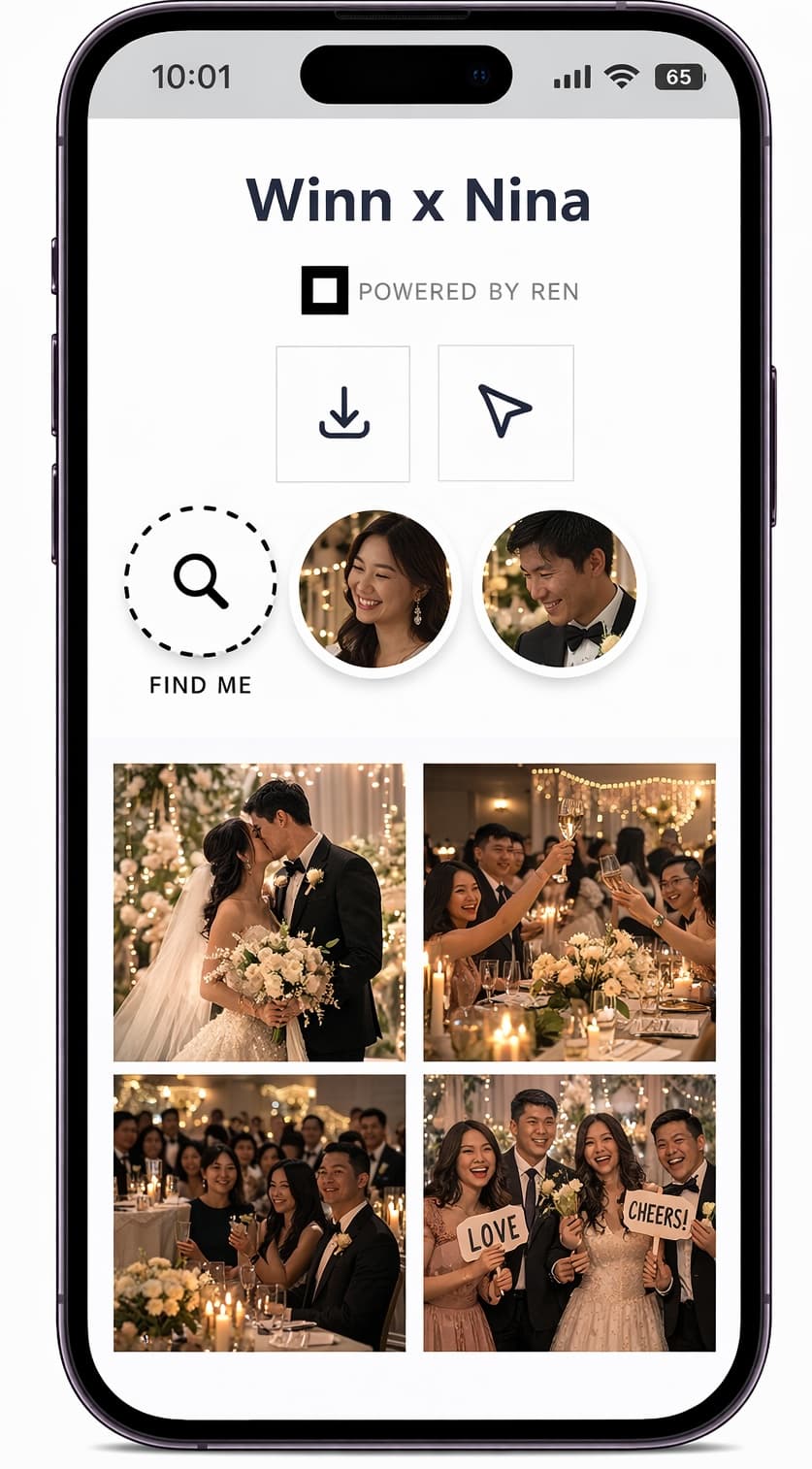

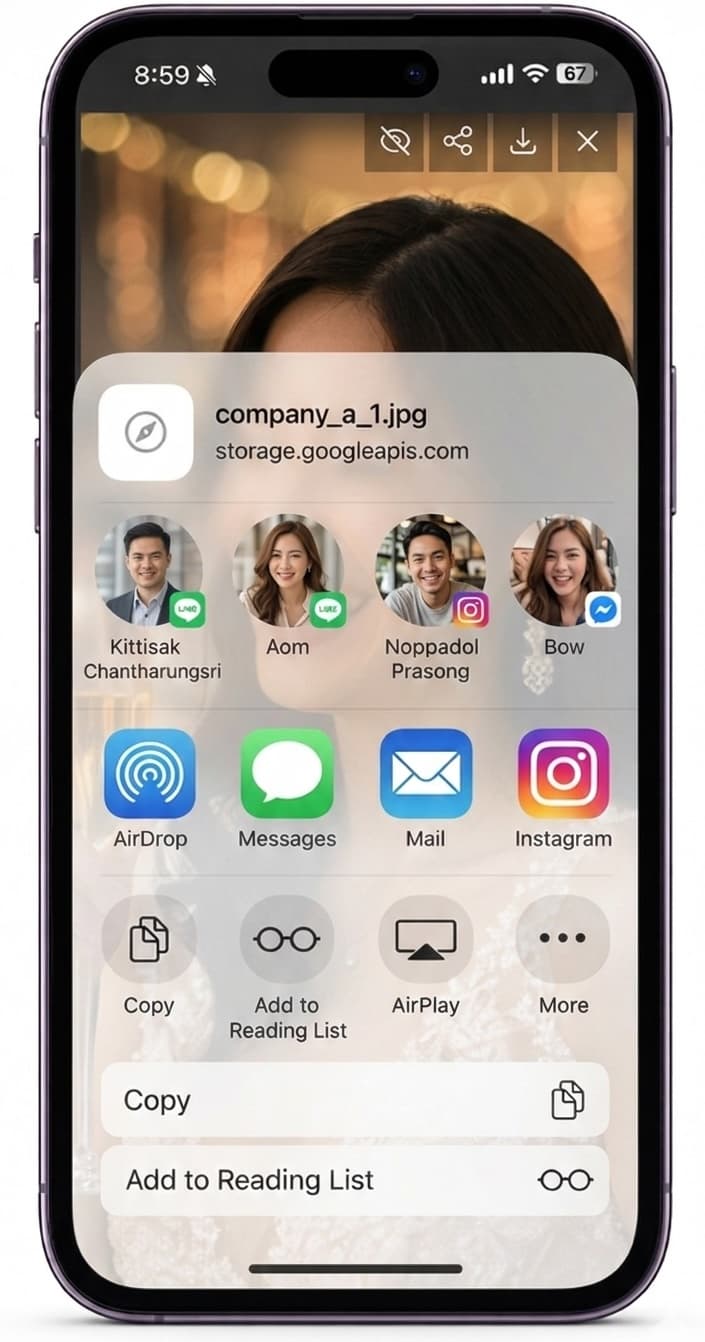
Instead of attaching large files to emails or sending separate drive links, you deliver video as part of the same online gallery experience as your photos. Clients see the story of the event in motion and stills, without needing to manage multiple tools.
You offer a more complete, modern experience while keeping your own workflow simple and centralized.
Details on how video fits into your existing Ren setup.
Ren is designed for event use, not raw footage storage. We recommend exporting web-ready files; your account and plan determine overall storage and usage.
You can choose whether to allow video downloads or keep playback streaming-only, depending on the agreement with your clients.
Video support depends on your event tier and plan. Check the pricing page for the latest details on what’s included.
Use Ren to share every part of your next event—from stills to highlight films—in a single, intuitive gallery.