Upload, review, and share
Photographer Experience
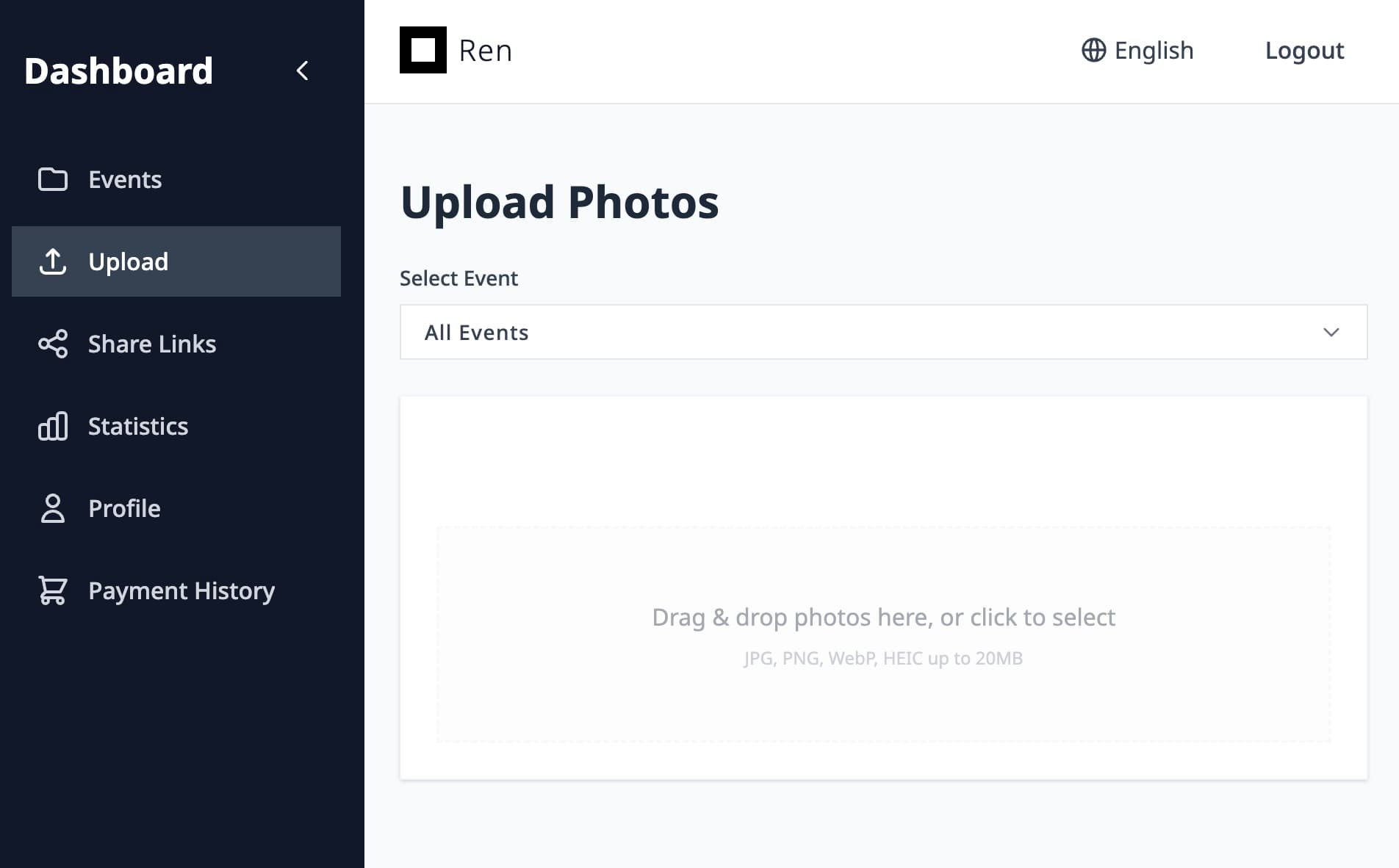
1. Upload photosSend photos through FTP, Lightroom export, or the web upload screen.


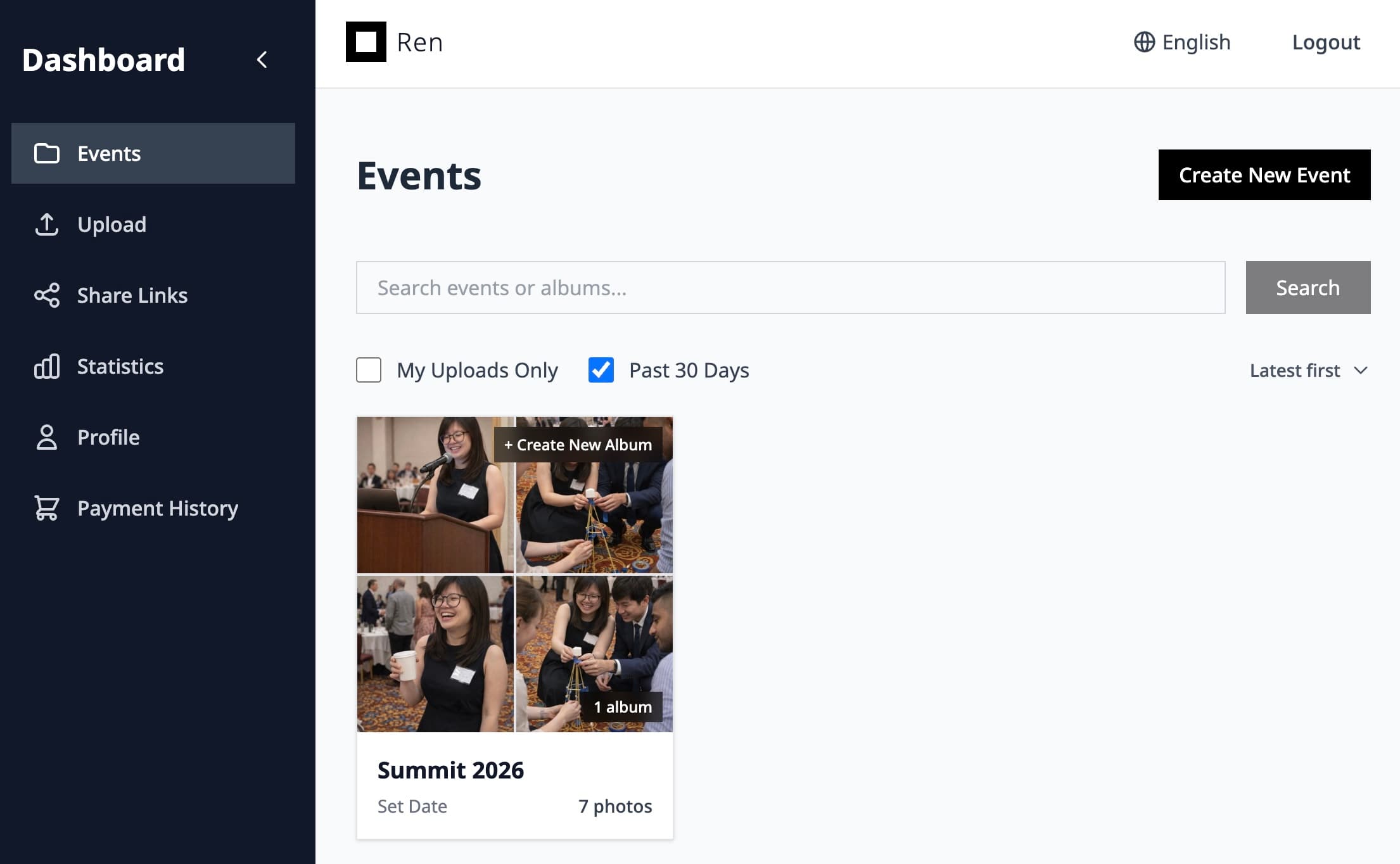
2. View in Ren and shareReview the gallery in Ren and generate a QR code for sharing.
Wedding photo gallery
Upload once, share one link, and let guests find all of their wedding photos with AI face search—no accounts, no scrolling through thousands of images.
Ren makes it easy to deliver wedding photos in a way that feels magical for guests and efficient for photographers.
Share one simple link for the whole wedding. Guests view on mobile or desktop with a clean, ad-free experience in your brand.
Guests upload a selfie or pick their face and instantly see all the photos they appear in, across all albums.
Import from Lightroom or FTP/SFTP, organize in events and albums, and track downloads and views in one dashboard.
Upload, review, and share
Scan, Snap, and share
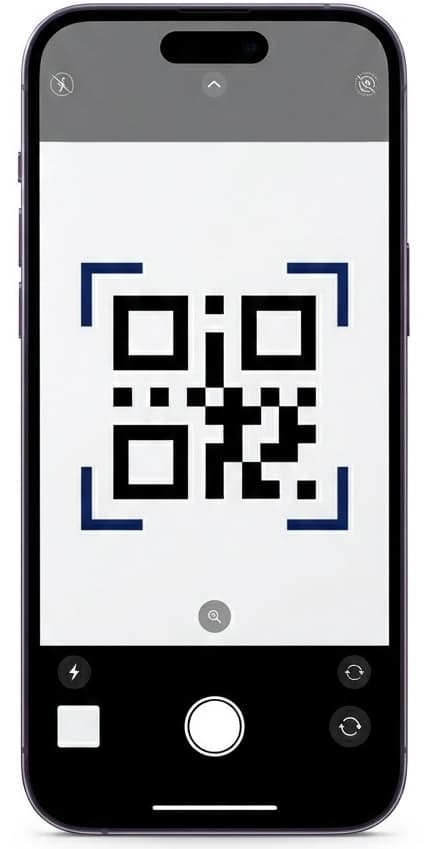
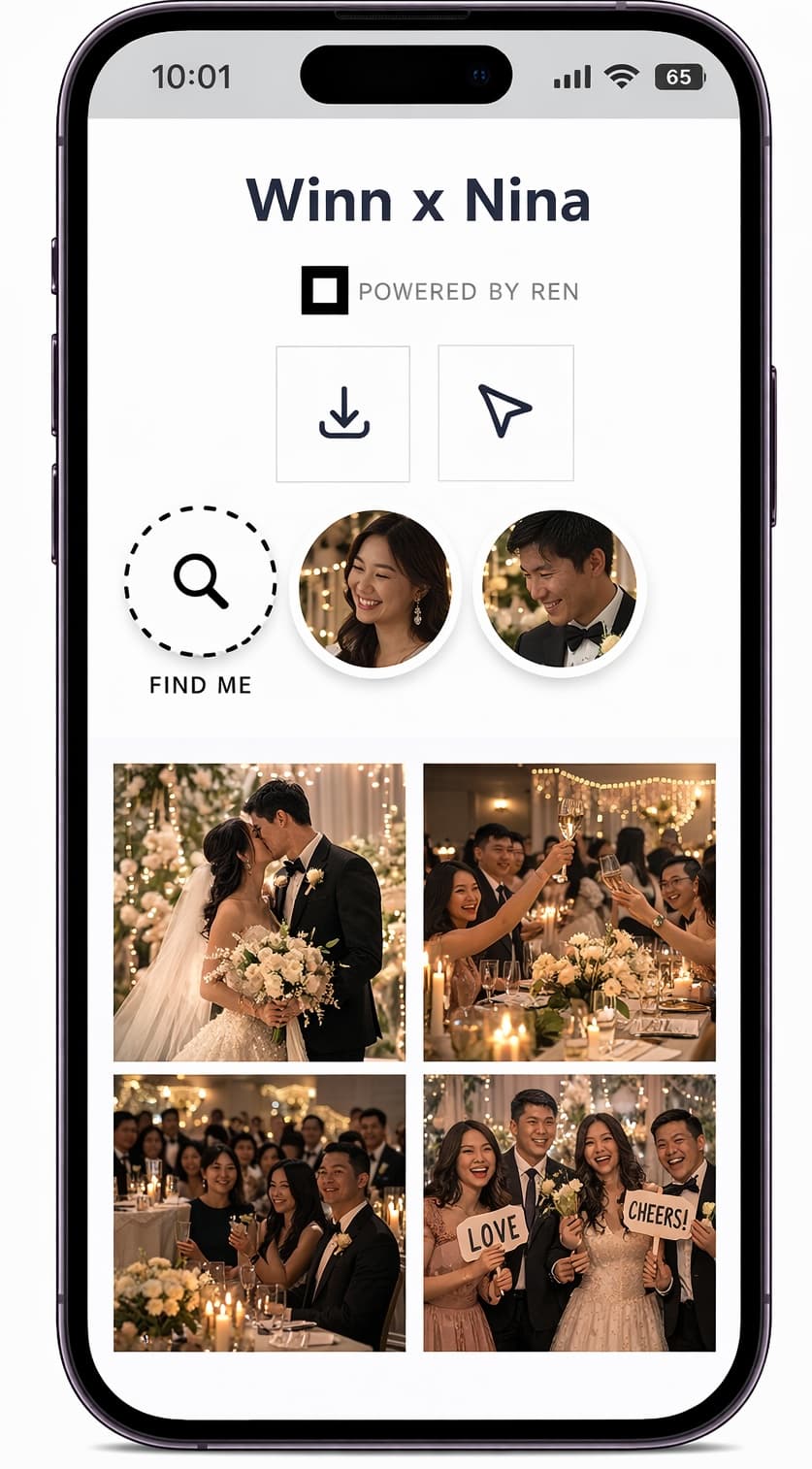
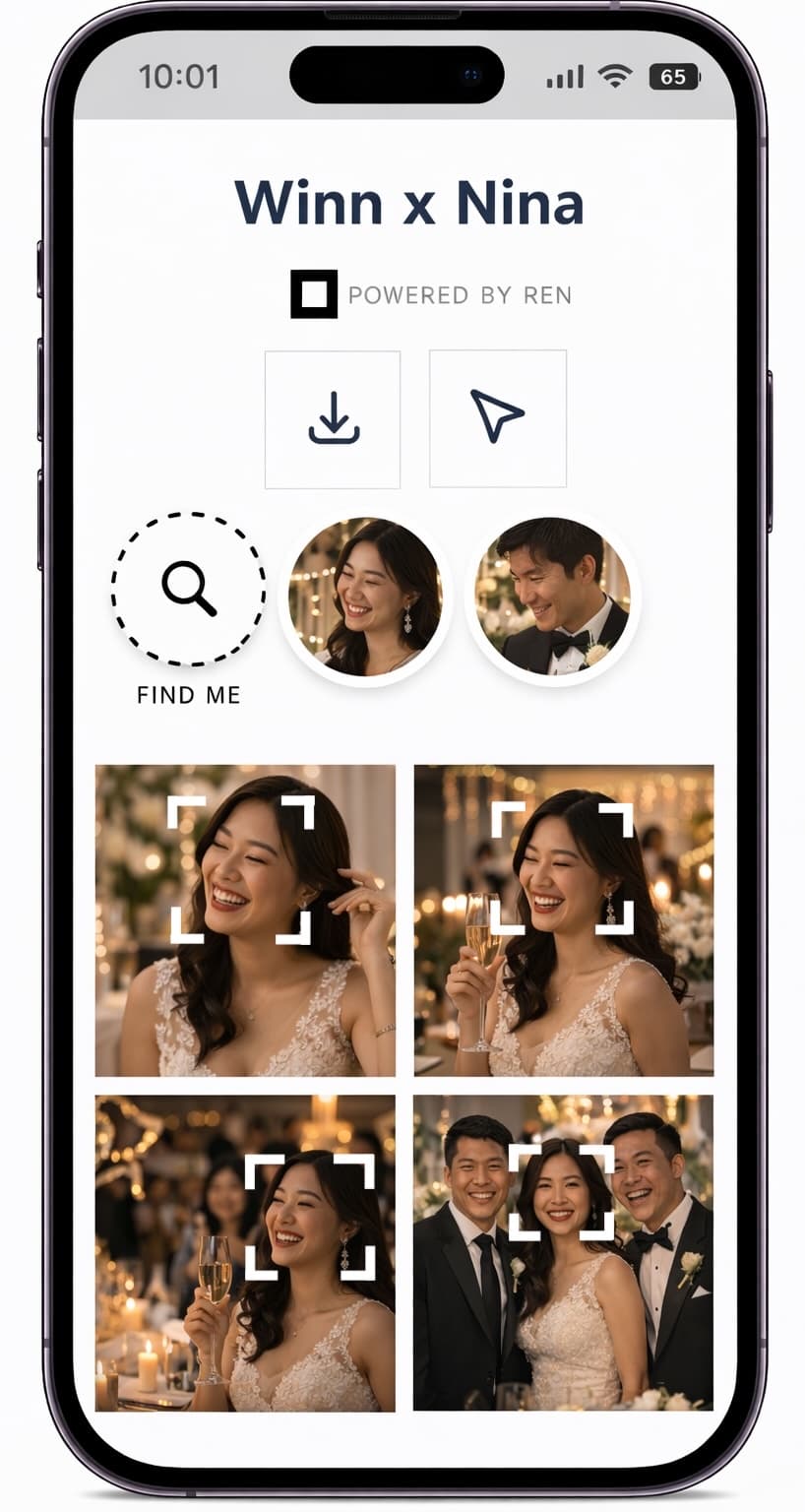
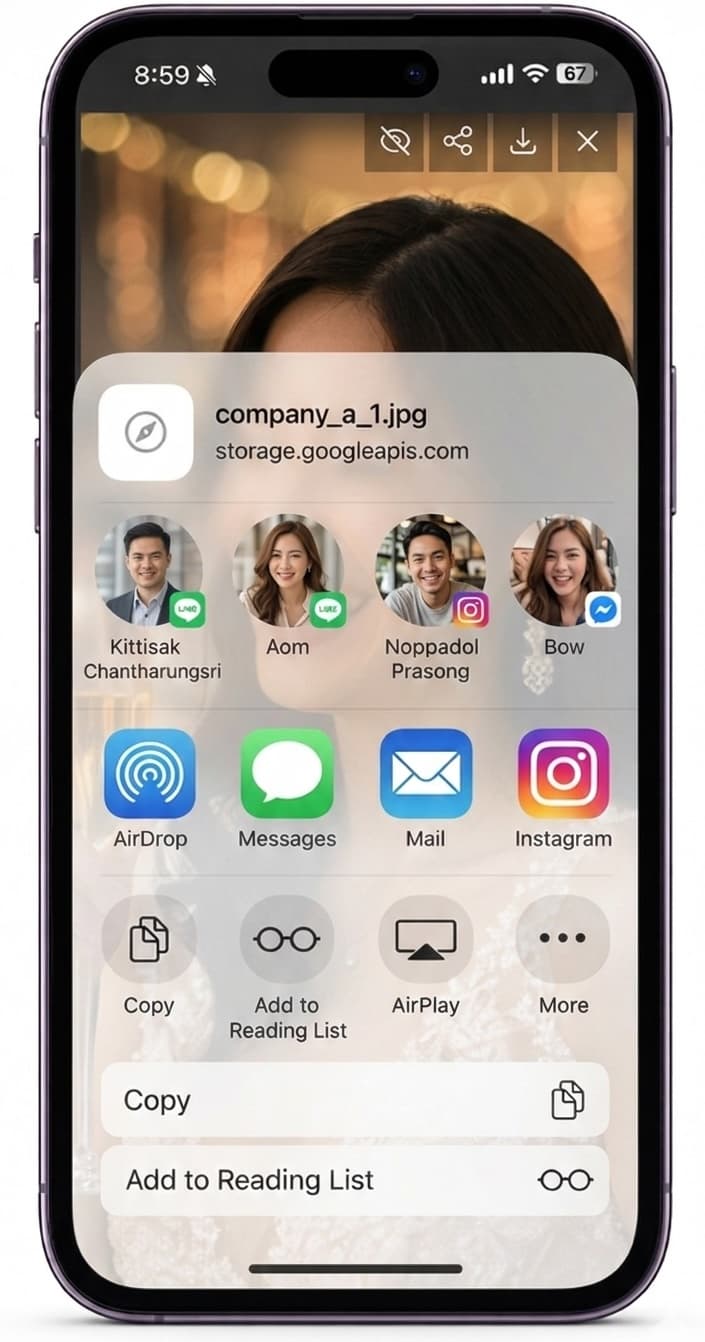
Instead of sending folders or separate download links, Ren gives you one unified gallery for the entire wedding. Guests can explore highlight albums, but most importantly, they can search by face so they immediately see themselves, friends, and family without scrolling through every single image.
Couples get fewer support messages, guests feel taken care of, and you build a premium, tech-forward image for your studio with almost no extra work.
Answers to common questions about how wedding galleries and AI face search work in Ren.
No. Guests open the link or scan a QR code and can immediately browse the gallery. Depending on your settings, you can require a password or email if you want extra privacy.
Ren is built for professional photographers. Event owners control how AI face search is used and are responsible for communicating with guests. Images are stored securely and are only accessible to authorized users.
Yes. You can keep a couple-only album or share links just for them while still giving all guests a fun, self-service experience with AI face search.
Try Ren on your next event and see how much easier it is to deliver photos when guests can find themselves instantly.